ADA & WCAG Compliance for College Websites: What You Need to Know in 2026
For colleges and universities, digital accessibility is not just a best practice; it’s a legal and ethical imperative. An inaccessible website can lead to complaints filed with the Office for Civil Rights (OCR), expensive litigation, and reputational damage. More importantly, it excludes people with disabilities from accessing the educational opportunities you provide. Ensuring your website is compliant with the Americans with Disabilities Act (ADA) and meets the standards of the Web Content Accessibility Guidelines (WCAG) is a fundamental requirement of serving your entire community and it’s central to how we approach every website design and development engagement.
Key Takeaways
- Digital accessibility is a legal requirement for universities, enforced by the Office for Civil Rights (OCR) under the ADA.
- The globally recognized standard for accessibility is the Web Content Accessibility Guidelines (WCAG), with WCAG 2.1 AA being the most common benchmark.
- Accessibility goes beyond basic compliance; it’s about creating an inclusive and usable digital experience for people with vision, hearing, motor, and cognitive disabilities.
- A proactive approach to accessibility involves regular audits, staff training, and integrating accessibility into your design and content workflows from the start.
The Legal Landscape: More Than Just a Guideline
While the ADA itself doesn’t provide specific technical standards for websites, federal courts and the Department of Justice have consistently referenced the Web Content Accessibility Guidelines (WCAG) as the benchmark for compliance. The most commonly cited standard is WCAG 2.1 Level AA. This set of guidelines provides a detailed, testable framework for making web content more accessible to people with a wide range of disabilities.
This is no longer just a matter of case law. In 2024, the Department of Justice finalized a Title II rule under the ADA that explicitly requires state and local government entities — including public University of California institutions and community colleges — to meet WCAG 2.1 Level AA, with compliance deadlines phased in beginning in 2027. For public higher education, WCAG conformance has moved from a strongly recommended benchmark to a codified federal requirement.
Failure to comply has real consequences. Hundreds of colleges and universities have faced OCR complaints and lawsuits over the accessibility of their websites and digital resources. These cases often result in legally binding resolution agreements that mandate a comprehensive website audit, staff training, and ongoing monitoring which can be a costly and resource-intensive process that could have been avoided with a proactive approach. As one public agency, the State of Hawaii Public Utilities Commission, noted in a recent RFP, the goal is to ensure that “all users—regardless of ability, device, or digital literacy—can successfully obtain information.” For a university, the stakes are even higher; access to information is access to education.
What Does Digital Accessibility Actually Mean?
At its core, digital accessibility means designing your website so that people who use assistive technologies can navigate and understand your content. This includes a wide range of users and technologies:
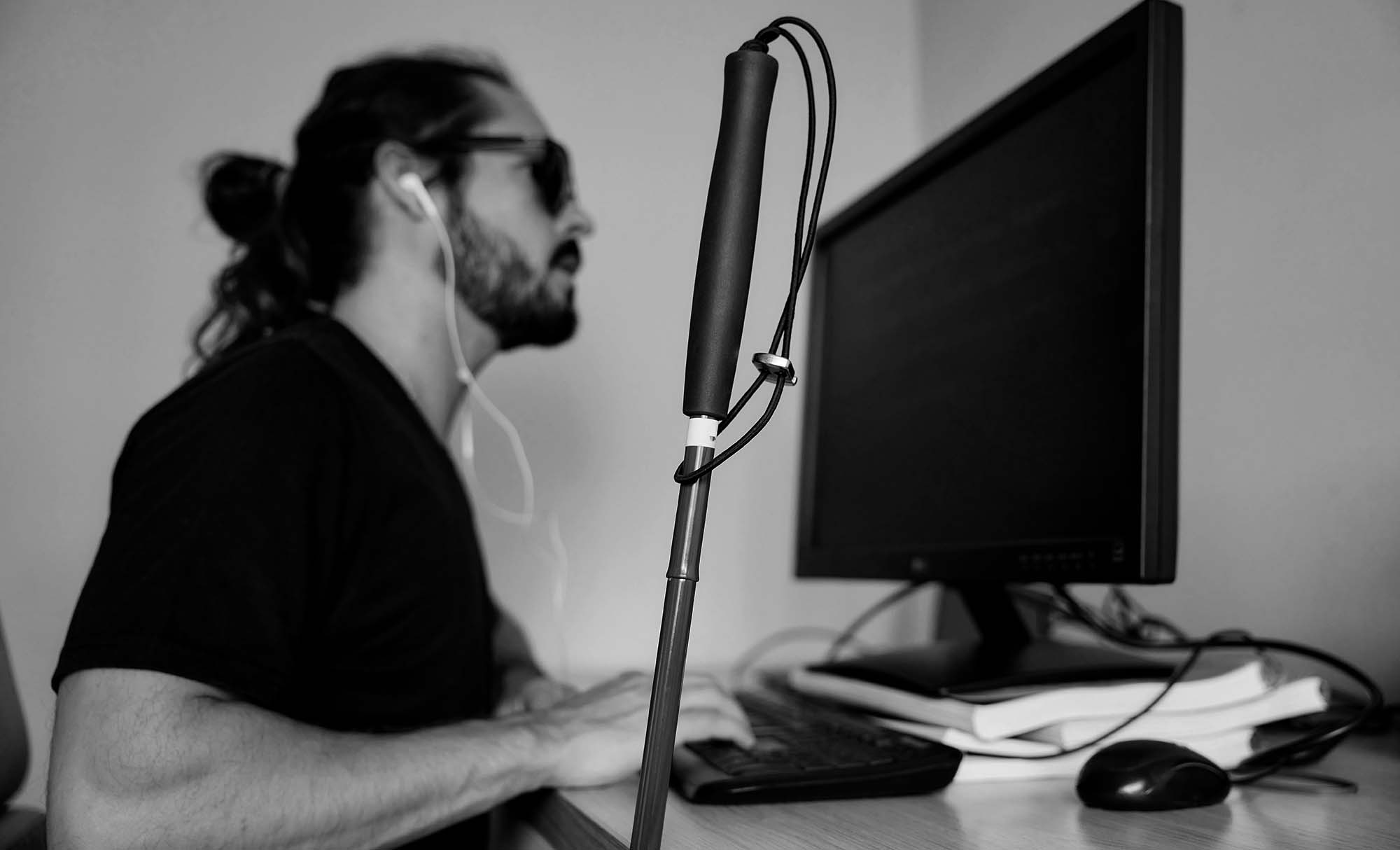
- Screen Readers: People who are blind or have low vision use software that reads the content of a webpage aloud. For this to work, your site must have a logical heading structure, descriptive alt text for all images, and properly labeled form fields.
- Keyboard-Only Navigation: Users with motor disabilities may not be able to use a mouse. They rely on a keyboard to navigate through links, buttons, and menus. Your website must be fully navigable using only the Tab, Enter, and arrow keys.
- Captions and Transcripts: People who are deaf or hard of hearing require captions for all video content and transcripts for all audio content.
- Cognitive Accessibility: This involves using clear and simple language, providing predictable and consistent navigation, and avoiding distracting elements like auto-playing videos.
Accessibility also means considering the needs of users with specific physical requirements. As the East Bay Regional Park District, a public agency, specified in a recent project scope, their website needed to provide clear information for individuals with “mobility and vision deficits who have specific questions related to accommodations.” For a university, this could mean providing clear information about campus accessibility, from wheelchair-accessible routes to the availability of assistive listening devices in lecture halls.
Building a Culture of Accessibility
Achieving and maintaining accessibility is not a one-time project; it’s an ongoing commitment. It requires a cultural shift within your institution, where accessibility is considered a shared responsibility, not just a task for the IT department, which is a principle reflected in our own commitment to accessibility.
The first step is to conduct a professional accessibility audit of your current website. This will identify all areas of non-compliance and provide a roadmap for remediation. The next step is to invest in training for your web developers, content creators, and marketing staff. They need to understand the principles of accessible design and how to apply them in their daily work.
Finally, accessibility needs to be integrated into your procurement and development processes. At Project6, accessibility is built into every website design and development engagement from day one, not retrofitted after launch. Any new software you purchase or any new website you build should have accessibility requirements built into the contract from day one; if you’re beginning that process, our guide on how to write an RFP for a website redesign is a useful starting point. As Gavilan College stated in their recent RFP, a key project objective was to “achieve Section 508/W3C/WCAG 2.0 Accessibility Compliance and responsive design.” By making accessibility a non-negotiable requirement from the start, a standard we bring to our higher education web design work, you can ensure your digital campus is open to everyone.
Accessibility Quick-Check for Your Website
- Can you navigate your entire website using only your keyboard?
- Does every image on your site have descriptive alt text?
- Are all of your videos captioned?
- Is there a high level of color contrast between your text and its background?
- Are all of your forms and buttons clearly labeled?
- Is your heading structure logical and hierarchical (H1, H2, H3)?
—Larry Paradis, Executive Director and Co-Director of Litigation, Disability Rights AdvocatesAs a nonprofit legal center serving the needs of people with disabilities, we are pleased with Project6 Design’s talent in development and design, which culminated in a website that is fully accessible and allows us to present our work and its impact in a professional and engaging manner.
See more testimonials from our higher-ed clients.
The best projects start with a good conversation. Tell us about yours. Contact Project6 →